
What this free Skool invite card tool helps you build
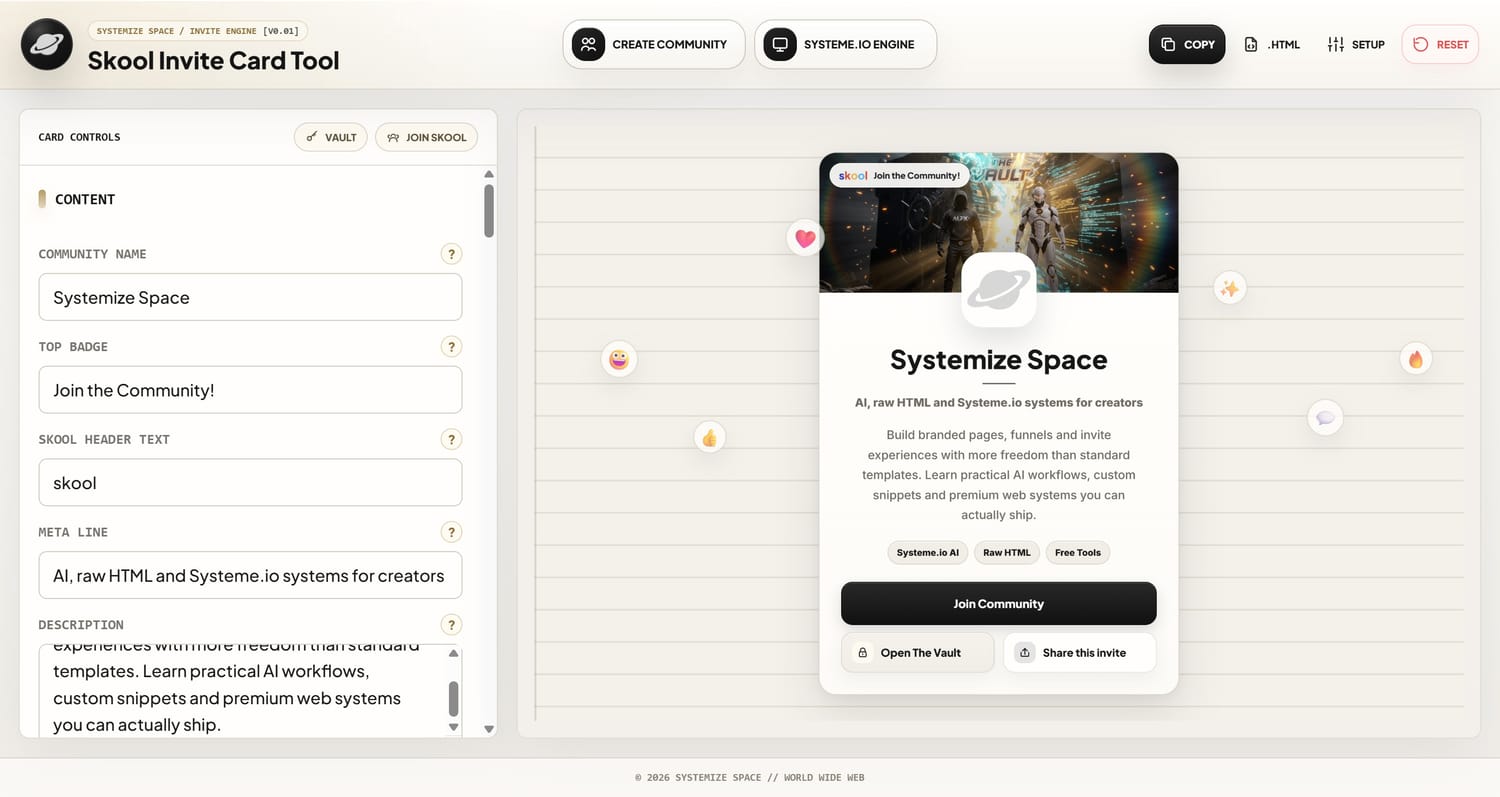
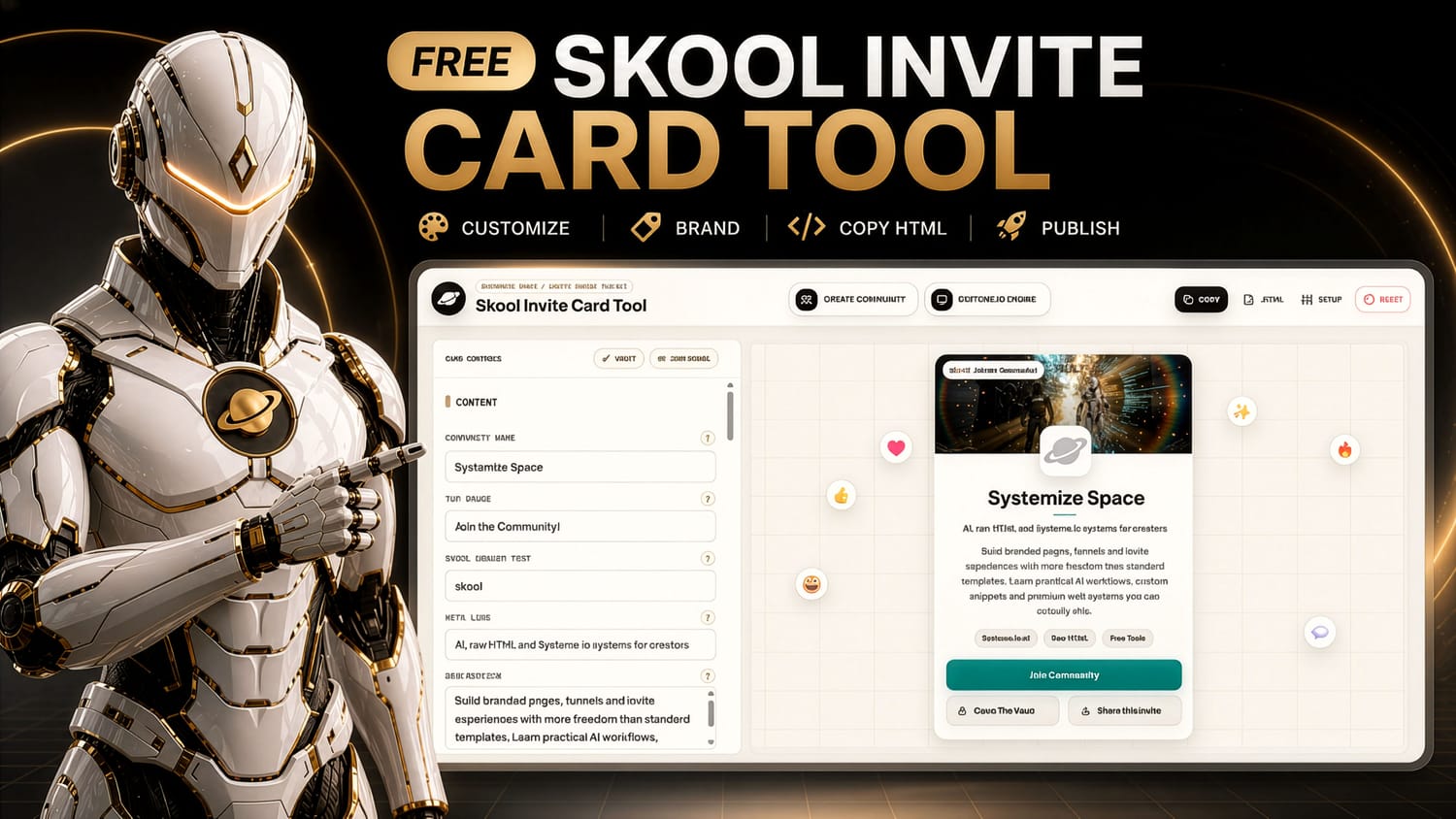
The Skool Invite Card Tool helps you design a premium community invite card, customize the look, and export clean raw HTML for Systeme.io or any builder that lets you paste custom code.
Why a branded Skool invite page matters
A normal Skool link sends people straight to the platform. That can work, but it gives you very little control over the first impression. A branded invite page lets you explain the promise, show the vibe, and make the join action feel more intentional before someone enters your community.
Create your own Skool community
If you want to build your own Skool community, start with one clear promise and one focused reason for people to join. Skool gives you a place to bring your audience together, share content, post updates, answer questions, create discussions, and build a real community around your brand, course, membership, or project.

How the Skool Invite Card Tool works
The tool is built for builders who want a fast visual workflow without losing control of the final code. You edit the card, preview the result, then copy or download the raw HTML snippet.
- 1Customize the invite card.Change the community name, top badge, meta line, description, labels, buttons, links, fonts, colors, backgrounds, and motion settings.
- 2Preview the experience live.The tool shows the card as you edit, so you can shape the invite visually before publishing.
- 3Export clean raw HTML.Copy or download the snippet and paste it into a Systeme.io Raw HTML element or another page builder that supports custom HTML.
Using it with Systeme.io Raw HTML
The exported code is designed for the Raw HTML element inside Systeme.io. It does not need a document wrapper, and it is built as a self-contained section with scoped styles and safe JavaScript for the invite card interactions.
- Create a new Systeme.io page or open the page where your Skool invite should live.
- Drag in a Raw HTML block and paste the generated snippet from the tool.
- Save the page, preview it, and use your new branded invite page as the front door for your Skool community.
Use Systeme.io as the page engine
Create your Systeme.io account, build a clean page, add a Raw HTML block, and paste the invite card code from the tool. That gives you a branded Skool invite page without needing a custom-coded website from scratch.

Best use cases for the tool
This tool is strongest when you want one focused page section that explains a community, vault, resource space, or membership before sending people to the next step.

Systemize Space Vault for custom codes, AI prompts, and raw HTML page building
The Skool Invite Card Tool is free because it gives you a fast way to experience the Systemize Space building style. Inside The Vault, the deeper layer is the growing library of custom codes, AI prompts, raw HTML experiments, tools, snippets, and page-building systems.
- Use the free tool when you want a quick branded invite card.
- Use The Vault when you want more custom codes, prompts, tutorials, and page-building logic.
- Use the Systemize Space community when you want feedback, ideas, requests, and support around what you are building.

FAQ
These answers are written for humans first, but structured clearly so search engines and AI systems can understand the tool, its use case, and how it connects with Systeme.io and Skool.
What is the Skool Invite Card Tool?
It is a free Systemize Space tool that helps you create a branded Skool invite card and export clean raw HTML for Systeme.io or another custom HTML page builder.
Can I use the generated code inside Systeme.io?
Yes. The exported snippet is designed for a Systeme.io Raw HTML block and avoids document wrapper tags such as doctype, html, head, body, and footer.
Is this only for Skool communities?
The default use case is a Skool invite page, but the same structure can be adapted for resource hubs, vault pages, simple course invites, and custom page sections.
Why use a branded invite page instead of a normal Skool link?
A branded invite page gives you more control over the first impression. You can explain the community promise, show the vibe, add custom calls to action, and create a more premium entry point.
Can I create my own Skool community with this strategy?
Yes. You can create your own Skool community, then use the Skool Invite Card Tool to build a branded front door that explains your audience, promise, and join action before people enter the community.
What is The Vault inside Systemize Space?
The Vault is the Systemize Space library for custom codes, AI prompts, raw HTML experiments, tools, snippets, and page-building systems for creators who want more freedom than standard templates allow.